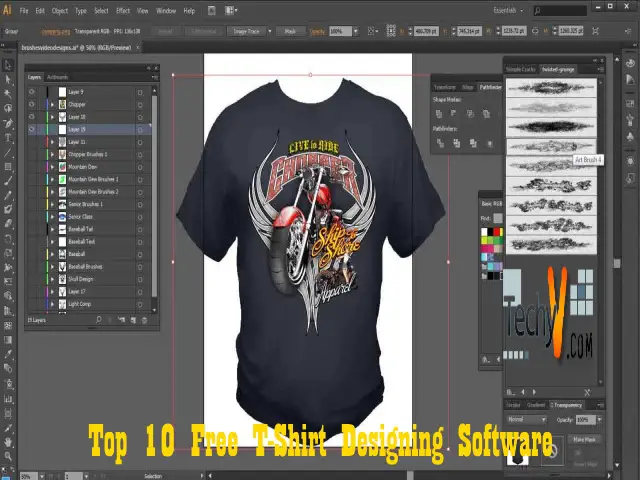
Ever dreamt of sporting a polo shirt that's uniquely yours? Maybe you have a brilliant idea for a team uniform, a special event, or simply want to express your personal style in a way that mass-produced clothing can't match. Designing your own polo shirt can be incredibly rewarding, but the thought of expensive software or complicated design processes often puts people off. What if we told you that you could dive into the world of custom polo shirt design without spending a dime on software or high-quality images?
That's right! In today's digital age, a wealth of free resources is available at your fingertips, making it easier than ever to bring your polo shirt visions to life. This article will guide you through the best free software options for creating stunning designs and show you where to find an abundance of free images and graphics to incorporate into your creations. Get ready to transform your ideas into wearable art!
Why Design Your Own Polo T-Shirt?
Before we dive into the 'how-to,' let's quickly touch on the 'why.' Custom polo shirts offer numerous benefits, whether for personal use or a group:
- Personal Expression: Showcase your unique style, hobbies, or beliefs.
- Branding: Perfect for small businesses, startups, or personal brands to create a professional and cohesive look.
- Team Spirit: Unite sports teams, clubs, or organizations with custom uniforms.
- Special Events: Commemorate family reunions, bachelor/bachelorette parties, or charity events.
- Unique Gifts: A personalized polo makes for a thoughtful and memorable present.
- Cost-Effective: Designing it yourself can save on designer fees, especially when using free tools.
The ability to control every aspect of the design – from colors and fonts to graphics and placement – ensures that the final product is exactly what you envisioned.
Essential Features to Look for in Free Design Software
When choosing free software for your polo shirt designs, consider these key features:
- Ease of Use: Is it intuitive for beginners, or does it require a steep learning curve?
- Vector vs. Raster: Vector graphics (like logos and text) can be scaled infinitely without losing quality, which is crucial for printing. Raster graphics (photos) are pixel-based. Ideally, you'll want software that handles both, or at least strong vector capabilities.
- Layer Support: Essential for organizing different elements of your design (background, text, images).
- Text Tools: Robust font options, text curving, and effects.
- Export Options: Can you save your design in common formats like PNG (with transparency), JPG, or SVG (for vectors)?
- Community Support: A large user base often means plenty of tutorials and help forums.
Top Free Software for Polo T-Shirt Design
Here are some excellent free software options that can help you create professional-looking polo shirt designs:
1. GIMP (GNU Image Manipulation Program)
GIMP is a powerful, open-source image editor often hailed as a free alternative to Adobe Photoshop. While primarily a raster graphics editor, it offers incredible flexibility for designing. You can import images, create custom shapes, add text, and manipulate colors with precision. Its layer system is robust, allowing you to build complex designs piece by piece. GIMP is excellent for creating intricate graphics, applying textures, and preparing raster images for print.
- Pros: Extremely powerful, highly customizable, large community support, excellent for photo editing and detailed raster graphics.
- Cons: Can have a steeper learning curve for absolute beginners, not primarily a vector editor.
- Best for: Detailed graphic work, photo integration, complex effects, and preparing designs for screen printing.
2. Inkscape
If you're serious about creating logos, text-based designs, or any graphic that needs to scale perfectly without pixelation, Inkscape is your go-to. It's a free and open-source vector graphics editor, similar to Adobe Illustrator. With Inkscape, you can draw shapes, create intricate paths, manipulate text, and design logos that will look crisp and clear no matter how large or small they are printed on your polo shirt. Vector graphics are ideal for most professional printing methods.
- Pros: Excellent for vector graphics (logos, text, illustrations), infinitely scalable designs, robust path and shape tools, supports SVG format.
- Cons: Not ideal for photo manipulation, can be intimidating for users unfamiliar with vector concepts.
- Best for: Logos, typography, geometric designs, illustrations, and any design requiring sharp, scalable lines.
3. Canva (Free Tier)
Canva is a popular online graphic design tool known for its user-friendliness and extensive library of templates and elements. While it has a premium subscription, its free tier offers a surprising amount of functionality. You can easily drag and drop elements, add text, choose from a vast selection of free fonts and basic graphics, and even upload your own images. Canva is particularly great for those who want a quick and easy way to mock up designs without needing to install software.
- Pros: Extremely easy to use, web-based (no installation), large library of free templates and elements, good for quick mock-ups.
- Cons: Limited advanced features compared to GIMP/Inkscape, some desirable assets or features are locked behind a paywall, not ideal for complex vector work.
- Best for: Quick and simple designs, text-heavy layouts, combining existing elements, and users who prefer a drag-and-drop interface.
4. Online T-Shirt Design Tools (Generic)
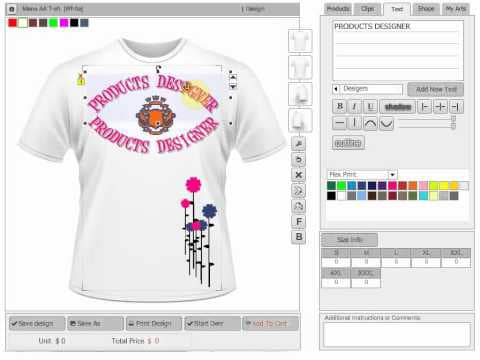
Many custom t-shirt printing websites offer their own free online design tools. While these are often tied to ordering from that specific printer, they can be excellent for experimenting with layouts, seeing how designs look on different shirt colors, and getting a feel for the design process. They typically have libraries of clip art, fonts, and allow you to upload your own images. While you might not be able to export a high-resolution file for use elsewhere, they are fantastic for visualizing your ideas.
- Pros: Very intuitive, often include mock-up previews, directly integrated with printing services.
- Cons: Limited design flexibility, tied to a specific printer, export options for your design file might be restricted.
- Best for: Visualizing designs, simple text and clip-art based layouts, and preparing for an order with a specific printer.
Where to Find Free Polo T-Shirt Design Images and Resources
Once you have your software, you'll need awesome graphics! Here's where to find free, high-quality images and design elements:
1. Royalty-Free Stock Photo Websites
These sites offer millions of high-resolution photos and often illustrations that you can use for free, even for commercial purposes, under various licenses (usually Creative Commons Zero or similar). Always double-check the specific license for each image.
- Unsplash: Beautiful, high-quality photographs.
- Pixabay: A vast collection of photos, illustrations, vectors, and even videos.
- Pexels: Similar to Unsplash, offering stunning free stock photos.
- Vecteezy (Free Tier): Offers a good selection of free vector graphics and illustrations. Look for the "Free" label.
- Freepik (Free Tier): Another excellent source for vectors, photos, and PSD files. Remember to attribute the author if required by the license.
2. Free Vector Graphic Sites
For logos, icons, and scalable illustrations, vector sites are invaluable. These graphics are perfect for printing as they maintain quality at any size.
- The Noun Project: Offers millions of icons. Many are free with attribution.
- Openclipart: A community-driven collection of free vector clip art.
- SVG Repo: A repository of free SVG vectors and icons.
3. Polo Shirt Mock-ups
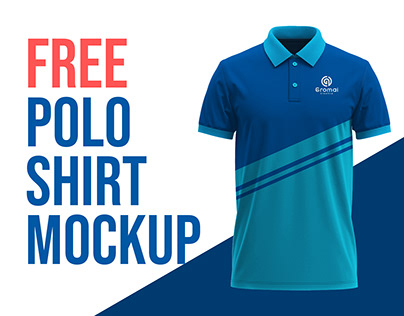
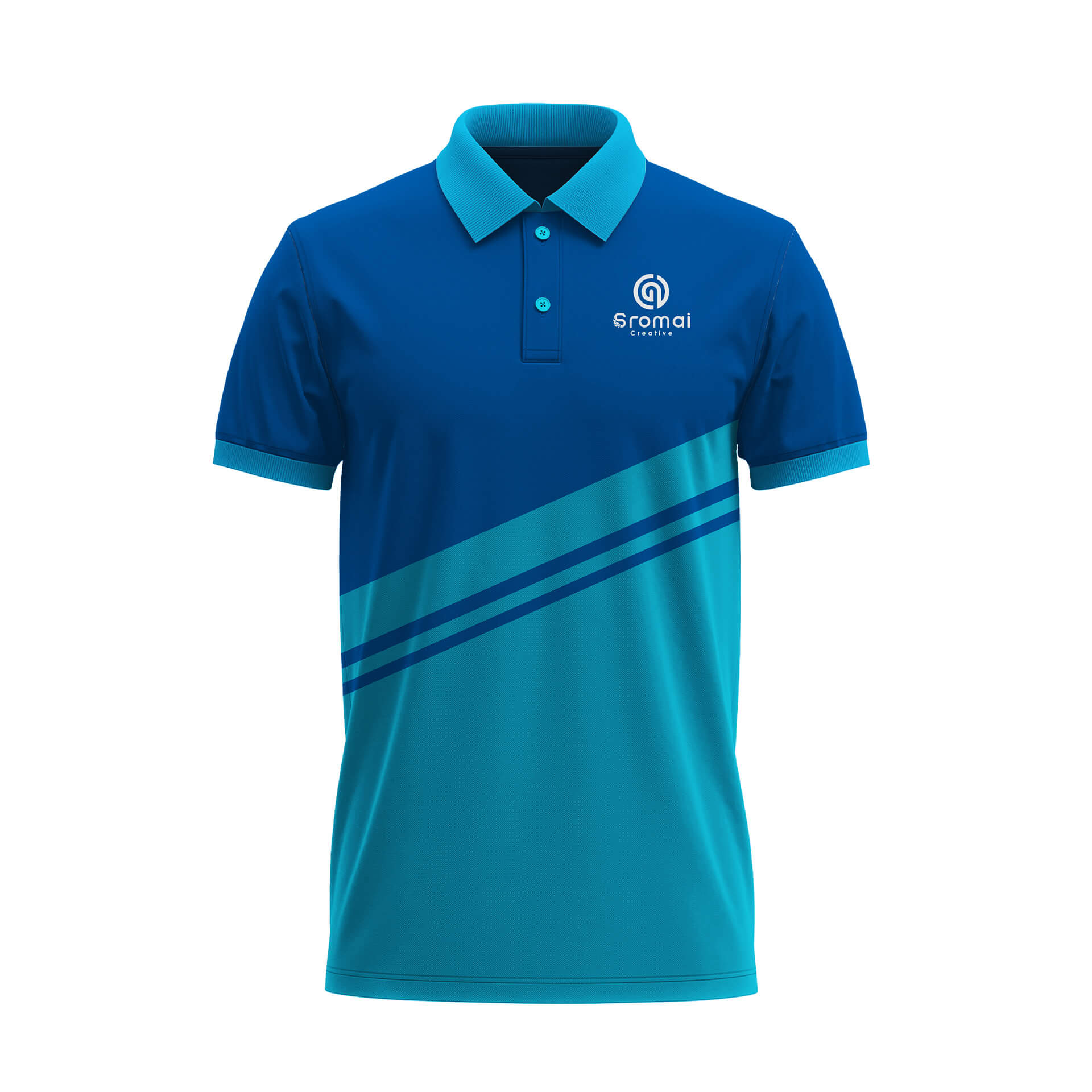
To see how your design will look on an actual polo shirt, mock-ups are essential. You can find free PSD (Photoshop Document) mock-ups that work with GIMP or other image editors. Search for "free polo shirt mockup PSD" on Google, and you'll find numerous options that allow you to easily place your design onto a realistic image of a polo shirt.
4. Font Libraries
Typography is a huge part of design. Websites like Google Fonts and DaFont offer thousands of free fonts that you can download and use in your software. Always check the license for commercial use if you plan to sell your shirts.
Tips for Designing Your Polo Shirt
With your software and images ready, here are some practical tips to make your design stand out:
- Keep it Simple: Often, less is more. A clean, uncluttered design is usually more impactful and professional.
- Consider Placement: Think about where your design will go. Common spots include the left chest, back (large graphic), sleeve, or collar.
- Color Harmony: Choose colors that complement each other and the polo shirt's base color. Use a color wheel tool if you're unsure.
- Readability: If your design includes text, ensure it's easy to read from a distance. Avoid overly complex fonts for important messages.
- Printing Method: Different printing methods (screen printing, embroidery, direct-to-garment) have different requirements. Research this if you're planning to get them professionally printed. For example, screen printing often works best with fewer colors.
- High Resolution: Always work with high-resolution images and export your final design in a high-quality format (e.g., 300 DPI PNG for raster, SVG for vector) to ensure crisp printing.
- Get Feedback: Share your design with friends or family to get fresh perspectives before finalizing.
Bringing It All Together: Your Design Workflow
Here’s a simplified workflow to get you started:
- Brainstorm: Sketch out your ideas on paper. What message do you want to convey? What style?
- Gather Assets: Download your chosen software (GIMP, Inkscape) and find free images, vectors, and fonts from the recommended sites.
- Start Designing:
- Open your software.
- Set up your canvas size (e.g., 12x12 inches at 300 DPI for a large back print, or 4x4 inches for a chest logo).
- Import your background elements or start with a blank canvas.
- Add your chosen images and vectors, resizing and positioning them as needed.
- Incorporate text, experimenting with fonts and colors.
- Use layers to keep different elements separate and easy to edit.
- Mock-up: Use a free polo shirt mock-up to visualize your design on a shirt. This helps identify any issues with placement or scale.
- Refine and Export: Make any necessary adjustments. Save your final design in the appropriate format (PNG with transparency for raster designs, SVG for vector designs) at high resolution, ready for printing.
Conclusion
Designing your own polo t-shirt doesn't have to be an expensive or complicated endeavor. With the incredible array of free design software like GIMP, Inkscape, and Canva, coupled with vast libraries of free, high-quality images and fonts, the power to create truly unique apparel is now accessible to everyone. From personal expression to professional branding, these tools empower you to bring your creative visions to life without breaking the bank. So, download your chosen software, explore the endless possibilities of free graphics, and start designing that perfect polo shirt today!
Summary: This article provides a comprehensive guide for designing custom polo t-shirts using free resources. It covers the benefits of designing your own shirts, essential features to look for in design software, and recommends top free programs like GIMP, Inkscape, and Canva. Additionally, it details where to find free, high-quality images, vectors, mock-ups, and fonts from various royalty-free and open-source platforms. The article concludes with practical design tips and a step-by-step workflow to help beginners create professional-looking polo shirt designs.